 Deepshi
Text-to-Music AI: How to Generate a Song Without Any Musical Experience
Deepshi TeamAugust 20, 2026
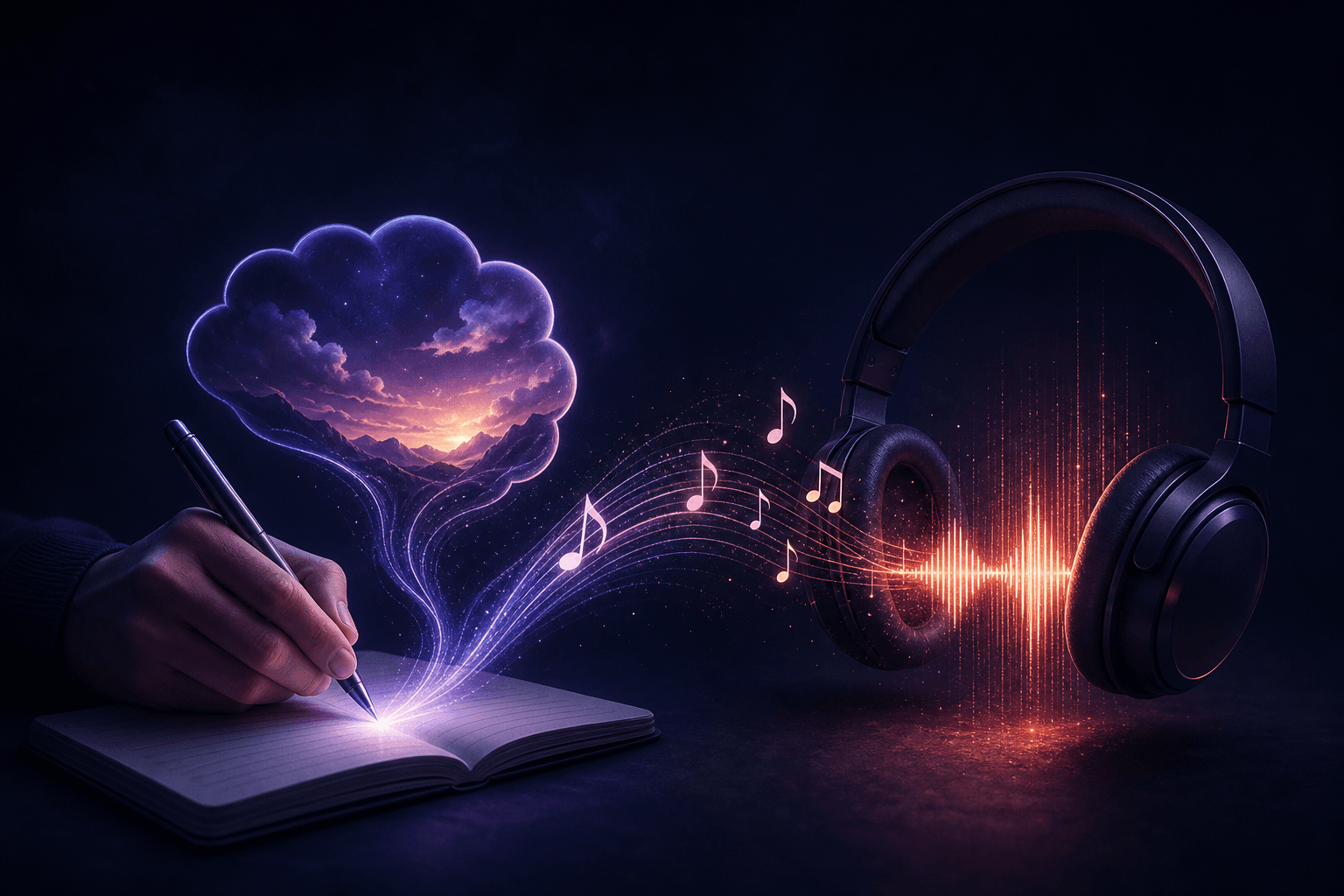
You have a feeling. Maybe it's a melancholy Sunday afternoon that won't leave you alone, or a hook that's been circling your head for weeks. You want it to become a real song ... but you've never opened a DAW, can't read sheet music, and have no idea what a stem file is.
Text-to-music AI was built for exactly this. Describe what you want in plain language, and the model produces audio. No instruments, no plugins, no studio time.
Here's how it actually works, and how to get from a blank page to something that sounds like a finished track.
What Text-to-Music AI Actually Does
A text-to-music model is trained on massive amounts of audio and learns the relationships between musical patterns and descriptive language. When you type "lo-fi hip hop, melancholy, slow tempo, rainy day," the model maps those words to sonic patterns it associates with that description and generates new audio to match.
The output isn't a recording of real instruments, but it's synthesized audio that can sound remarkably close to one, depending on the model and the prompt. Some models also accept lyric input and generate vocals to go with it.
The quality gap between early text-to-music tools and what's available now is significant. Outputs today can be genuinely musical (with structure, dynamics, and coherent melodies) rather than the ambient noise loops that defined the first generation of these tools.
Step 1: Start With a Mood, Not a Genre Label
The most common beginner mistake is typing a genre name and nothing else. "Pop song" gives a model almost nothing to work with. The more specific and sensory your description, the better the output.
Think about:
- Mood or emotion: anxious, nostalgic, defiant, tender
- Energy level: slow and sparse, mid-tempo and steady, fast and chaotic
- Setting or image: driving at night, sitting in a crowded café, standing at the edge of something
- Instrumentation hints: acoustic guitar, synth pads, punchy drums, no drums at all
- Reference era or style: 90s R&B, 80s synth-pop, modern indie folk
A prompt like "melancholy indie folk, fingerpicked acoustic guitar, sparse percussion, feeling of leaving a place you loved" will produce something far more interesting than "sad folk song."
Step 2: Decide Whether to Add Lyrics
Most text-to-music tools give you two paths: instrumental only, or a vocal track with lyrics. If you want vocals, you can either write your own or let the model generate them from your description.
Writing your own lyrics gives you more control over the message. You don't need to be a poet. Rough, honest lines tend to work better than trying to sound like a professional songwriter. The model handles rhythm and melody fitting.
If you'd rather let the model write them, just say so in your prompt: "write and sing original lyrics about moving to a new city, hopeful but nervous tone."
One practical note: AI vocals have improved a lot, but they still occasionally produce phonetic oddities or misplace emphasis. If a line sounds off, regenerate that section or tweak the phrasing slightly.
Step 3: Generate, Then Iterate
Your first output probably won't be perfect. That's normal, and you can learn from it.
Listen critically and ask:
- Is the tempo right, or does it feel rushed or dragging?
- Does the instrumentation match what you imagined?
- Is the mood landing, or drifting somewhere else?
Adjust your prompt based on what you hear, not just what you typed. If the output sounds too busy, add "minimal arrangement" or "sparse." If the energy is off, specify a BPM or use words like "driving" versus "drifting."
Most platforms let you generate multiple variations from the same prompt. Use that. Three to five generations from a refined prompt usually turns up at least one version worth keeping or building on.
Common Concerns, Answered Plainly
Does it sound robotic or fake?
It depends on the model and the genre. Electronic, ambient, and hip hop tracks tend to sound most convincing because the production style already incorporates synthetic elements. Acoustic genres like bluegrass or classical can still sound slightly artificial on close listening. For most use cases (content creation, demos, personal projects, social media) the output quality is more than sufficient.
Do I need any equipment?
No. A browser and headphones are enough. No audio interface, no microphone, no software beyond the platform you're using. Some people export the audio and do light editing in a free tool like Audacity, but that's entirely optional.
Can I use it commercially?
This varies by platform and matters more than most beginners realize. Some tools retain rights to outputs, limit commercial use to paid tiers, or require attribution. Read the terms before you publish anything you plan to monetize. Platforms differ significantly here, so it's worth checking the specific license attached to your plan.
The Current Landscape
Several well-known tools exist in this space. Suno and Udio have built large user bases and produce high-quality vocal tracks. Stable Audio leans toward instrumental and sound design use cases. Each has its own approach to prompting, generation limits, and licensing.
Most operate on a freemium model with per-song or per-day generation caps, and commercial licensing typically sits behind a paid tier. That's a reasonable structure for a dedicated music tool — but it means adding another subscription to your stack if music is just one part of what you create.
Music as Part of a Broader Creative Workflow
If you're generating music alongside other creative work (writing, image generation, video, or code) a single all-in-one platform starts to make more practical sense than managing separate subscriptions for each.
Deepshi AI includes music generation as part of a unified creative suite covering chat, images, video, and code. One subscription covers all of it, without per-output limits that interrupt your flow. The Deepershi plan at 99/month raises that to 30 per day.
Deepshi also gives you access to mainstream models like GPT-5.2, Claude Opus, and Gemini alongside its own uncensored models. So if you're writing lyrics in one tab and generating the track in another, you're not paying separately for each capability.
The privacy architecture is worth mentioning too. Chats are end-to-end encrypted and stored only on your device, with no data retention on Deepshi's end, independently verified by a third party. For creative work that isn't ready to be public, that matters.
A Simple Starting Template
If you're not sure where to begin, try this structure for your first prompt:
[Genre or style], [mood or emotion], [tempo or energy], [instrumentation], [any lyric theme or vocal style if wanted]
Example: "Cinematic ambient, tense and building, slow tempo, strings and low synth drones, no vocals, feels like waiting for something to happen"
Run it. Listen. Adjust one variable at a time. You'll develop an instinct for what language the model responds to faster than you'd expect.
FAQs
Do I need any music knowledge to use text-to-music AI?
No. You describe what you want in plain language (mood, energy, instrumentation) and the model handles the rest. No theory, no notation, no production skills required.
How long does it take to generate a song?
Most platforms produce a 30-to-90-second track in under a minute. Longer tracks or more complex prompts may take slightly longer depending on the platform and server load.
Can I add my own vocals to an AI-generated track?
Yes. Export the instrumental version and record over it using any recording app, even a basic one on your phone. The AI handles the backing track; you provide the voice.
Are AI-generated songs copyrightable?
Copyright law around AI-generated content is still evolving in most jurisdictions. Purely AI-generated work without meaningful human authorship may not qualify for copyright protection. If you write the lyrics and make significant creative decisions, your contribution may be protectable, but consult a legal resource specific to your country for current guidance.
What's the difference between text-to-music and AI music mastering?
Text-to-music generates a song from scratch based on a description. AI mastering tools take an existing recording and improve its loudness, EQ, and dynamics. They solve different problems at different stages of the process.
Can I use AI-generated music in YouTube videos or podcasts?
It depends on the platform's license terms. Some allow commercial use on paid plans; others restrict it. Always check the specific terms for your plan before publishing.
Is there a free way to try text-to-music AI?
Yes. Several platforms, including Deepshi, offer a free tier so you can test the output quality before committing to a subscription. Try a few prompts to get a feel for what the model responds to before upgrading.
You don't need a studio, a producer, or years of practice to make something that sounds like music. You need a clear description of what you're after and a willingness to iterate. Start with a mood, refine the prompt, and let the model do the heavy lifting.
If you want to generate music alongside your other creative work without juggling multiple subscriptions, try the free tier at deepshi.ai.