 Deepshi
How to Post Generated Media on the Social Feed
Deepshi TeamFebruary 26, 2026
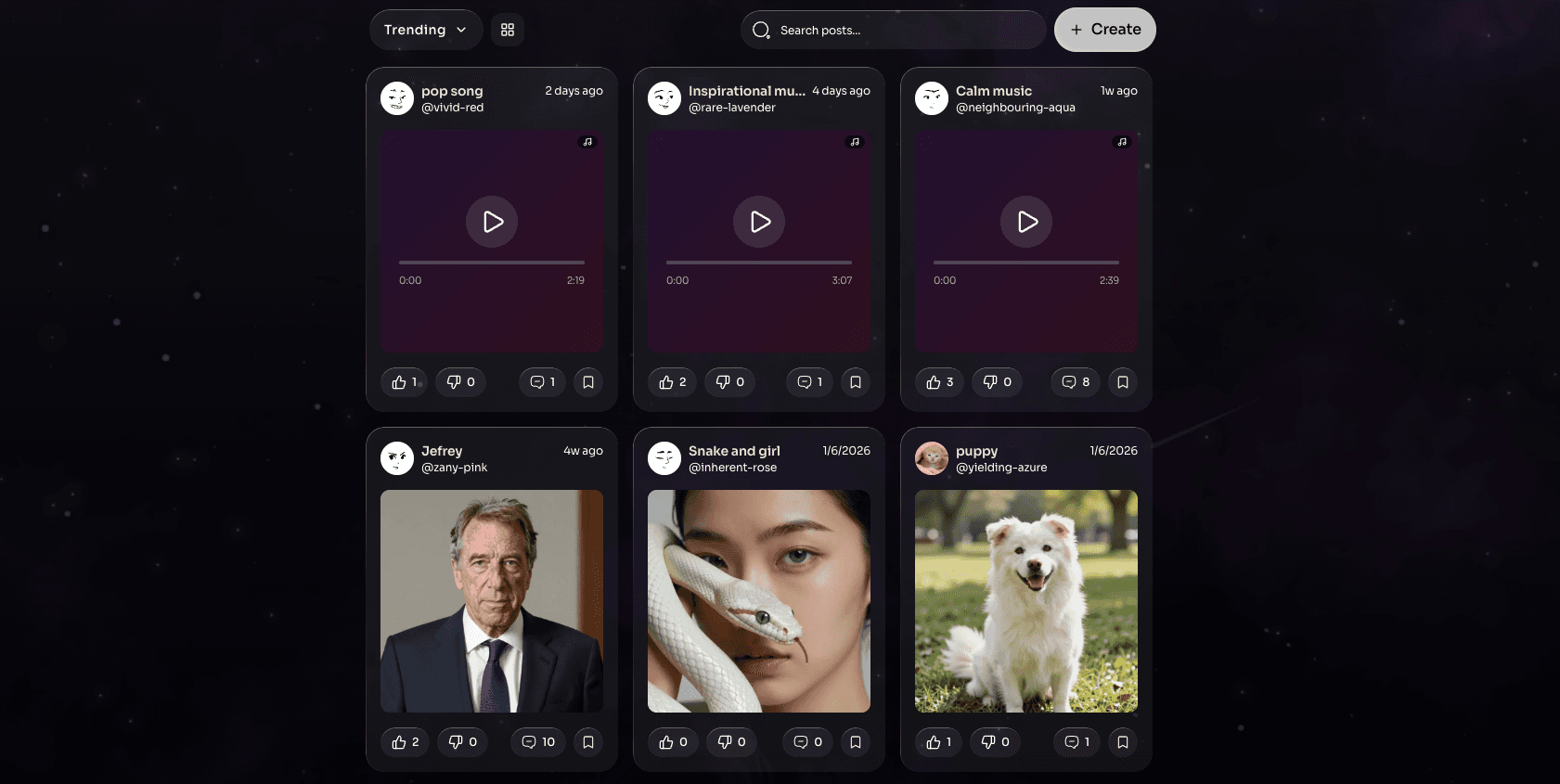
How to Post on the Social Feed
The Social Feed allows you to share media generated inside Deepshi chats with the community.
What You Can Share
You can only share media that was generated within Deepshi chats, including:
- Images
- Music
- Videos
Content uploaded from external sources cannot be posted to the Social Feed.
How to Create a Post
- Open the sidebar.
- Click on "Social Feed".
- Tap "Create".
You will be taken to the post creation screen.
Choose Media
- Select media from your available generated content.
- Choose the image, music, or video you want to share.
- Add a caption (optional, if available).
Publish Your Post
- Review your post.
- Click "Post" or "Publish".
- Your content will appear on the Social Feed.
Important Notes
- Only media generated in Deepshi chats can be shared.
- Make sure your post follows community guidelines.
- Once published, your post will be visible to other users on the Social Feed.
Your content is now live 🚀