 Deepshi
characters
create character
ai character
customization
avatar
personality setup
greeting message
ai personalities
character guide
How to Create and Customize Characters in Deepshi AI
Deepshi TeamFebruary 26, 2026
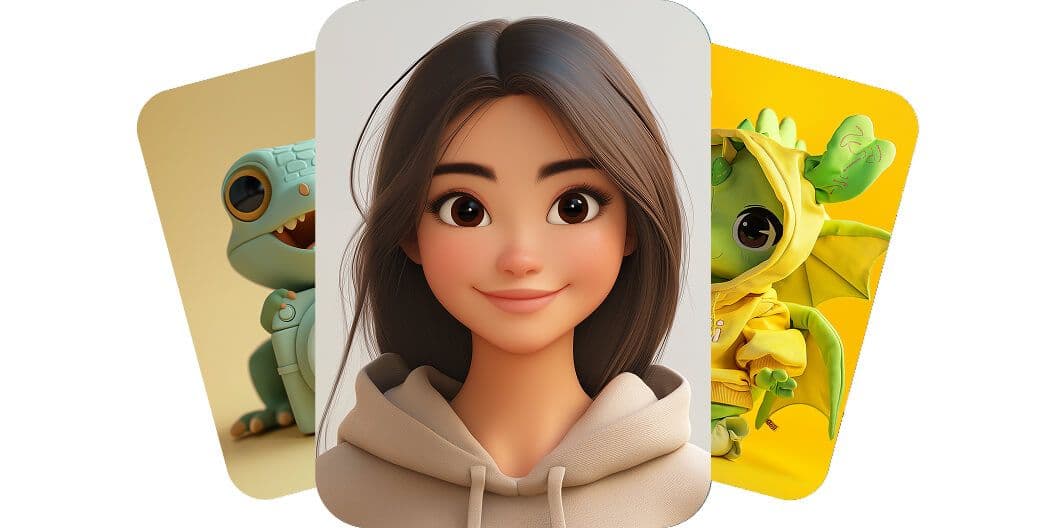
How to Create a Character
Creating a character allows you to personalize your conversations and build unique AI personalities tailored to your needs.
Where to Start
- Open the sidebar.
- Click on "Characters".
- Tap "Create Character".
You will be taken to the character creation form.
Character Setup Form
When creating a character, you will need to fill in the following fields:
Avatar
Upload an image that represents your character.
This will be shown in chats and character listings.
This will be shown in chats and character listings.
Name
Choose a unique name for your character.
Tagline
Write a short one-line summary that describes your character.
Example: “Your strict coding mentor” or “Friendly travel guide”.
Example: “Your strict coding mentor” or “Friendly travel guide”.
Description
Provide a detailed description of the character’s personality, background, tone, and behavior.
The more detailed you are, the more consistent the character will act.
The more detailed you are, the more consistent the character will act.
You can include:
- Personality traits
- Communication style
- Expertise
- Rules or limitations
- Example behaviors
Greeting
This is the first message your character will send when a new chat starts.
Make it match the personality and tone of your character.
Make it match the personality and tone of your character.
Example:
“Hey! I’m your frontend mentor. What are we building today?”
Categories
Select relevant categories that best describe your character.
This helps organize and discover characters more easily.
This helps organize and discover characters more easily.
Examples:
- Education
- Productivity
- Coding
- Entertainment
- Roleplay
Final Step
After filling out all fields:
- Review your character details.
- Click "Create" or "Save".
Your character will now be available in the Characters section and ready to use in conversations.
Tips for Better Characters
- Be specific in the description for more consistent responses.
- Define tone clearly (formal, casual, strict, funny, etc.).
- Add behavioral rules if needed.
- Write a strong greeting to set the first impression.
Your character is now ready to chat 🚀